The @Sign package is a native Salesforce application. Installing the package is the first step to connecting your Zoho Sign workflows directly into your Salesforce environment.
Prerequisites
- A Salesforce Org (Production, Sandbox, or Developer Edition).
- Administrative Privileges in Salesforce
- A Zoho Sign account
Installation links
The @Sign integration is built on a modular architecture consisting of two parts: @Core and @Sign. To ensure a successful setup, you must follow the specific installation sequence outlined below.
It is crucial that you install the @Core package first. The @Sign package relies on the core framework to function; installing them out of order will result in an installation error.
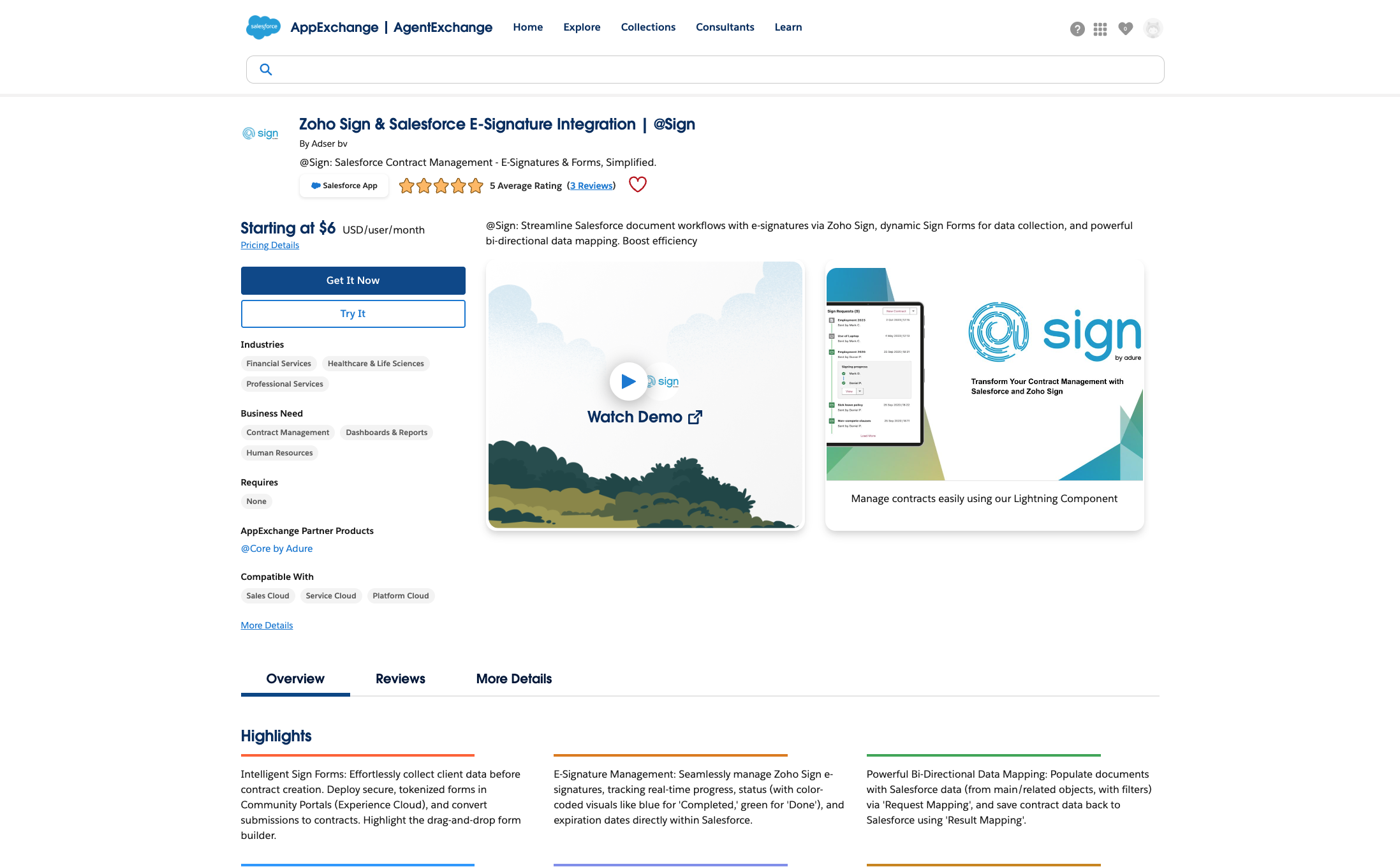
To initiate the installation, please go to the @Sign listing on the Salesforce AppExchange
Salesforce AppExchange
Click the 'Get It Now' button.
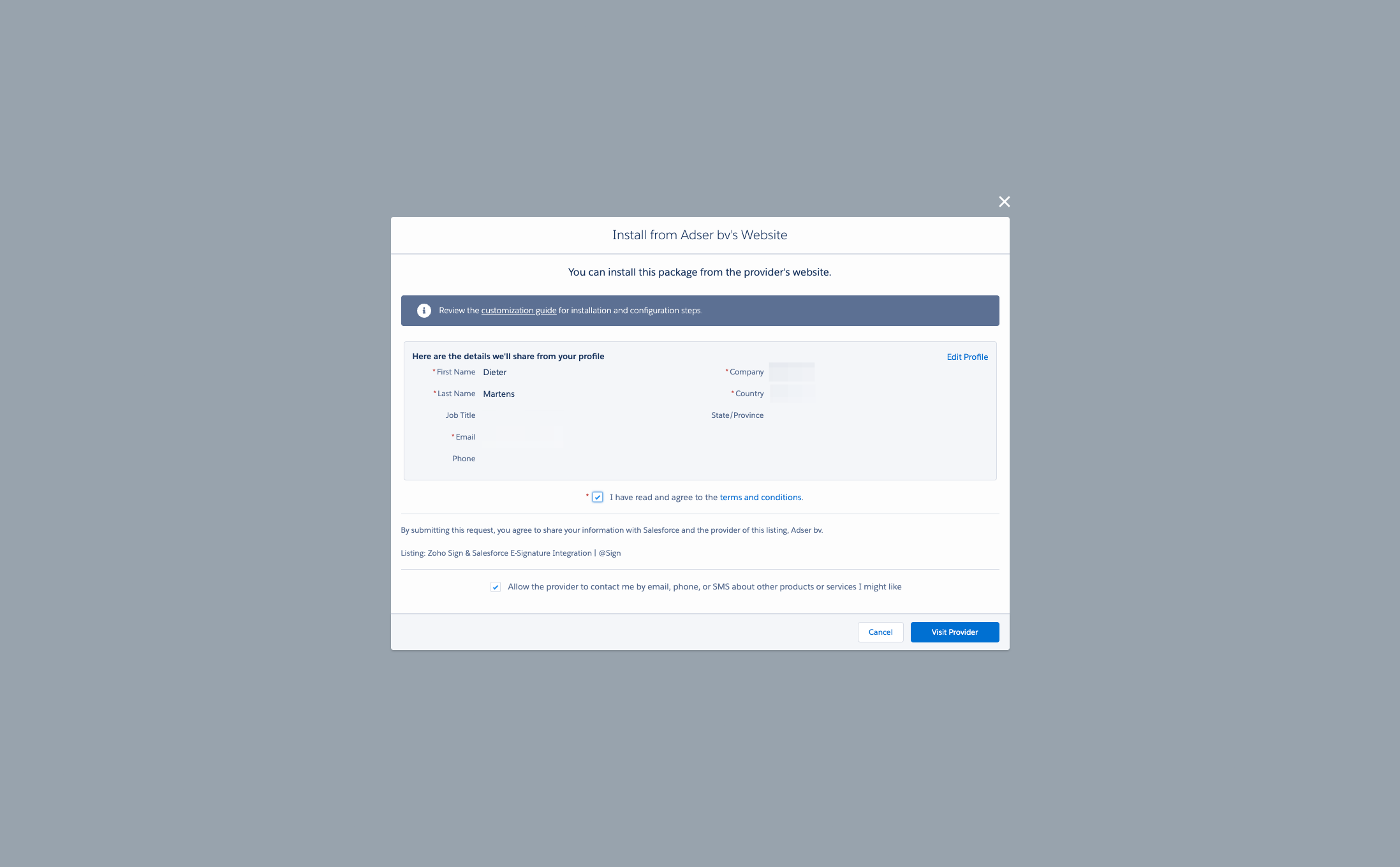
Please fill out the form and then click Visit Provider. This will direct you to access the installation page.
Drag to pan
Before you install the @Sign package itself, it's crucial that you first install the '@Core' package. The '@Core' package contains essential components and functionalities that are required for the @Sign package to operate correctly.
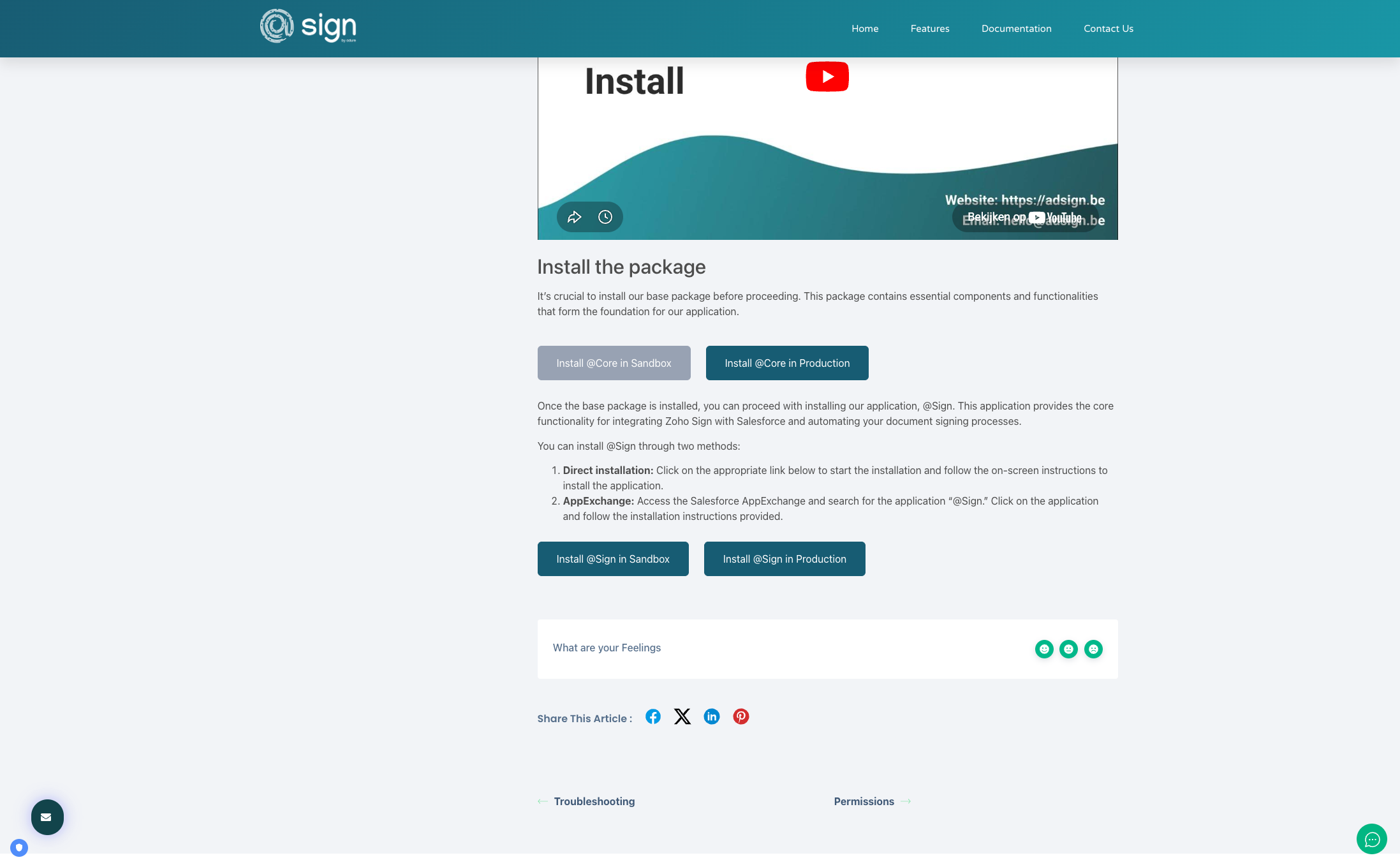
Install @Core
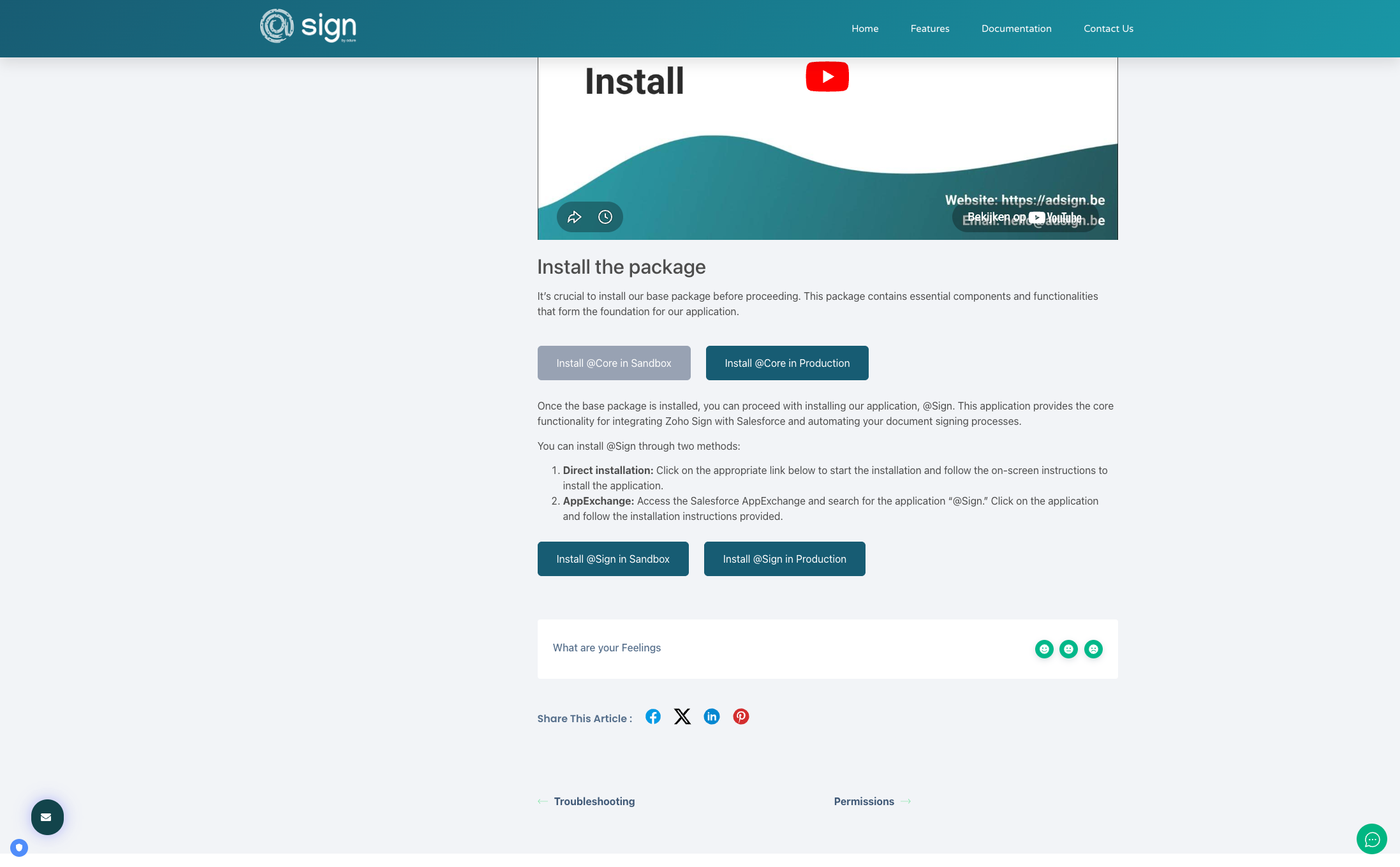
Use the @Core Sandbox button to install this package inside a sandbox, partial, scratch org, etc. Use the @Core Production button to install this package in production, developer org, etc.
Drag to pan
Install @Sign
Next you can continue to install the @Sign package.
Drag to pan